If your user account has the right permissions, you will see “Appearance > Menus” in the wp-admin bar.
First, select the menu you want to edit. Most likely, it is the “Primary Menu” assigned to the “Primary Menu” location.
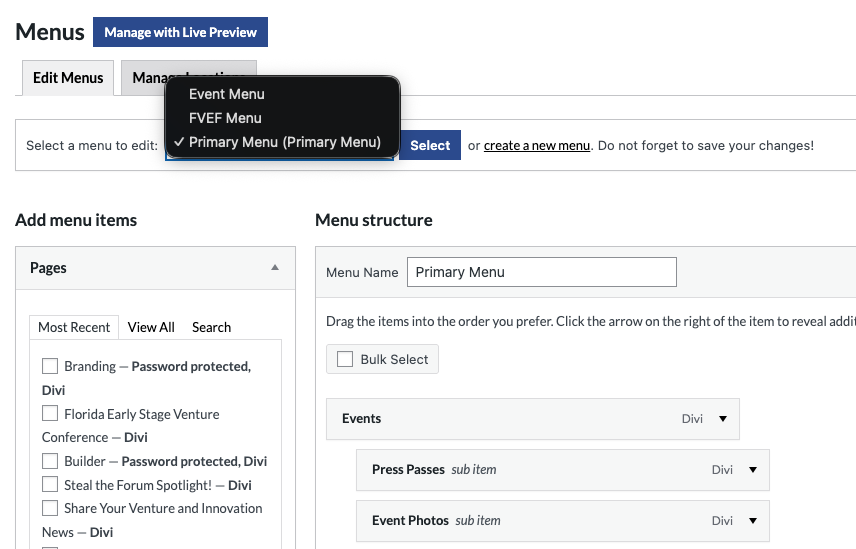
On the left side, you will see all the various types of menu items you can add to your menu.
There is also a “custom link” option to link a menu item anywhere:
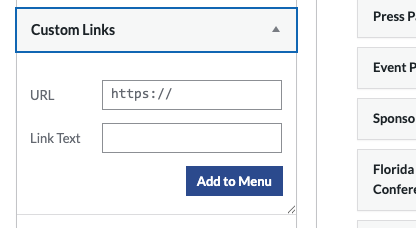
Once you select “Add to Menu,” you drag and drop it from the bottom to where you want it:
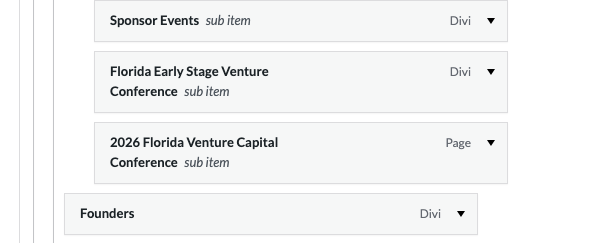
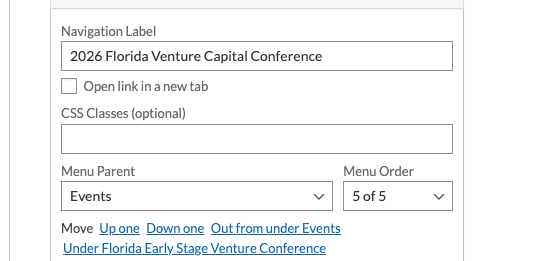
Open up the menu item to find more options: open a link in a new tab or add CSS classes:
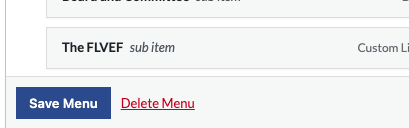
Once you have completed your changes, make sure to click save!